
How to Rate a Path on Pramble
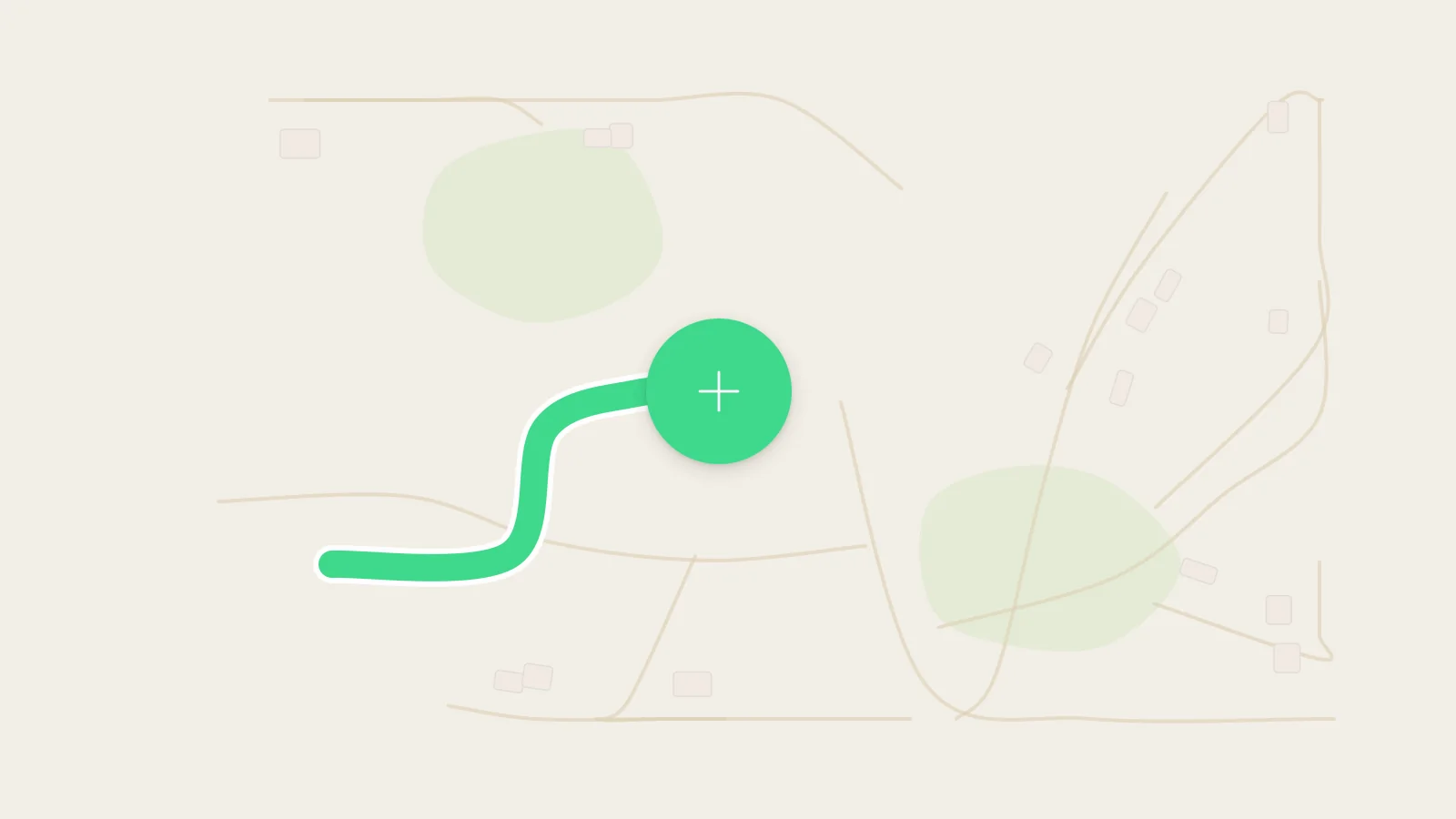
To rate a path, tap the green + on the map and choose Mark a Path — or choose Record a Walk to rate as you go. Both put your rating on the map for the next family, and both take less than a minute once you know how.
Why your rating matters
Pramble's map is built from what parents and caregivers report. A rated path shows its colour straight away; a path nobody has rated stays neutral. Each rating turns an unknown stretch into something the next family can plan around.
The three options in the "+" sheet
Tap the green + and you get three choices.
Add a Place is for a place, not a path: a playground, picnic area, toilets, baby changing, parking, a viewpoint, a bench, somewhere to eat. Pick the type, tap where it is, add details and save.
Mark a Path is for a path you already know. Tap the map at one end, then at each point where the path changes — at a set of steps, or where a smooth surface becomes gravel. Every piece takes the rating you have selected, and Save puts them on the map.
Record a Walk is for rating as you go. Choose a rating, press Start and walk, tapping the rating to change it as you go. Press Save at the end; your walk is matched to known paths, and if it cannot be matched, Pramble asks before keeping it as walked.
What the path colours mean
These are the four classifications from the map Key:
- Pram — smooth, step-free.
- Carrier — steps, kerbs or rough ground.
- Avoid — blocked, steep or impassable.
- Stairs — stairs along this section.
Use the one you would tell a friend. Optional details appear where they help: Steep, Muddy, Uneven or Obstacles for a Carrier or Avoid rating, and whether stairs have a railing.
How a rating becomes a percentage
When more than one person has rated the same path, the card shows the share agreeing with the colour you are looking at: 100% means every rating matches, 60% means most do. A bar splits the ratings by classification, so you can see how many said Carrier when the headline says Pram. Recent ratings carry more weight, so the percentage moves as the map is updated.
What "Low confidence" and "Early result" mean
A path with one to three ratings is labelled Low confidence, and the card also marks it an Early result. That is not a warning about the path. It means very few people have rated it so far, so treat the percentage as a first impression rather than a settled view. Four to nine ratings show Medium confidence; ten or more show High confidence.
Tips for a useful rating
- Rate what you actually walked, not a different route from memory.
- Notice the surface underfoot, and any steps, kerbs or slope.
- Break a longer walk where something changes.
- Add the optional details when they apply — often the most useful part.
- Rate paths with no colour yet. Those are the ones nobody has described.
Where to go next
- Open the Pramble map to find a path near you.
- Browse locations for areas with enough ratings to plan a walk.
- Read What makes a path pram-friendly? for what to look at while you are out.
Last updated: 29 October 2026
Frequently asked questions
Do I need an account to rate a path?
Yes. Marking a path or recording a walk is tied to your Pramble account. Browsing the map needs no account.
Why does a path show a colour I disagree with?
Every rating counts toward the same total, so the colour reflects the balance of what people have reported. Adding yours makes the result steadier, and the percentage shows how divided the reports are.
How long does a rating take?
Mark a Path takes a few taps: one at the start, one at each change, then Save. Record a Walk takes as long as the walk, but you only choose a rating and press Start.
Check the paths for your next walk
Rate the paths you know and help the next family plan a walk with confidence.
Explore the Pramble map →